
RustFS Multiple Node Multiple Disk Installation
Install a distributed RustFS cluster across multiple servers, each with multiple disks.
Multiple Node Multiple Disk (MNMD) mode is used for production workloads. It provides node-level fault tolerance and horizontal scalability. A minimum of 4 servers is required, each with at least 1 disk, to safely start a distributed object storage cluster.
Topology and Planning
In the following architecture, requests are distributed to the servers through load balancing. With the default 12 + 4 erasure coding layout, each object is split into 12 data shards and 4 parity shards stored on different disks across different servers:
- The cluster stays available and loses no data if any single server fails or is taken down for maintenance.
- The cluster can tolerate the loss of up to 4 disks without data loss.
Before installation, review the Pre-Installation Checklists and make sure that every item meets production requirements.
Hostnames
A RustFS cluster requires hostnames that follow a consistent, sequentially numbered pattern (for example, node1 through node4). There are two ways to achieve sequential hostnames:
1. DNS Configuration:
Create DNS records so that each sequential hostname resolves to the correct node.
2. /etc/hosts configuration:
Add the following entries to /etc/hosts on every node:
vim /etc/hosts
127.0.0.1 localhost localhost.localdomain localhost4 localhost4.localdomain4
::1 localhost localhost.localdomain localhost6 localhost6.localdomain6
192.168.1.1 node1
192.168.1.2 node2
192.168.1.3 node3
192.168.1.4 node4
Prerequisites and Service Setup
On every node, complete the common prerequisites and service setup — operating system, firewall, time synchronization, disk formatting, service user, binary download, and systemd unit — then continue below. Remember that all nodes must use the same listening port and must have synchronized clocks.
Configure Environment Variables
- Create the same configuration file on every node.
RUSTFS_VOLUMESuses brace expansion to enumerate all nodes and all disk mount points (this example: 4 nodes × 4 disks):
# Use a unique access key and a strong, random secret (e.g. openssl rand -base64 24)
RUSTFS_ACCESS_KEY=<your-access-key>
RUSTFS_SECRET_KEY=<your-secret-key>
RUSTFS_VOLUMES="http://node{1...4}:9000/data/rustfs{0...3}"
RUSTFS_ADDRESS=":9000"
RUSTFS_CONSOLE_ENABLE=true
RUSTFS_CONSOLE_ADDRESS=":9001"
RUSTFS_OBS_LOGGER_LEVEL=error
RUSTFS_OBS_LOG_DIRECTORY="/var/log/rustfs/"
The access key, secret key, and RUSTFS_VOLUMES value must be identical on all nodes. The hostnames (node1 – node4) must match the DNS or /etc/hosts configuration above.
- Create the storage and log directories on every node:
sudo mkdir -p /data/rustfs{0..3} /var/log/rustfs /opt/tls
sudo chmod -R 750 /data/rustfs* /var/log/rustfs
Start and Verify the Service
- Start the service on every node and enable auto-start on boot:
sudo systemctl enable --now rustfs- Verify the service status:
systemctl status rustfs- Check the service port:
netstat -ntpl- View log files:
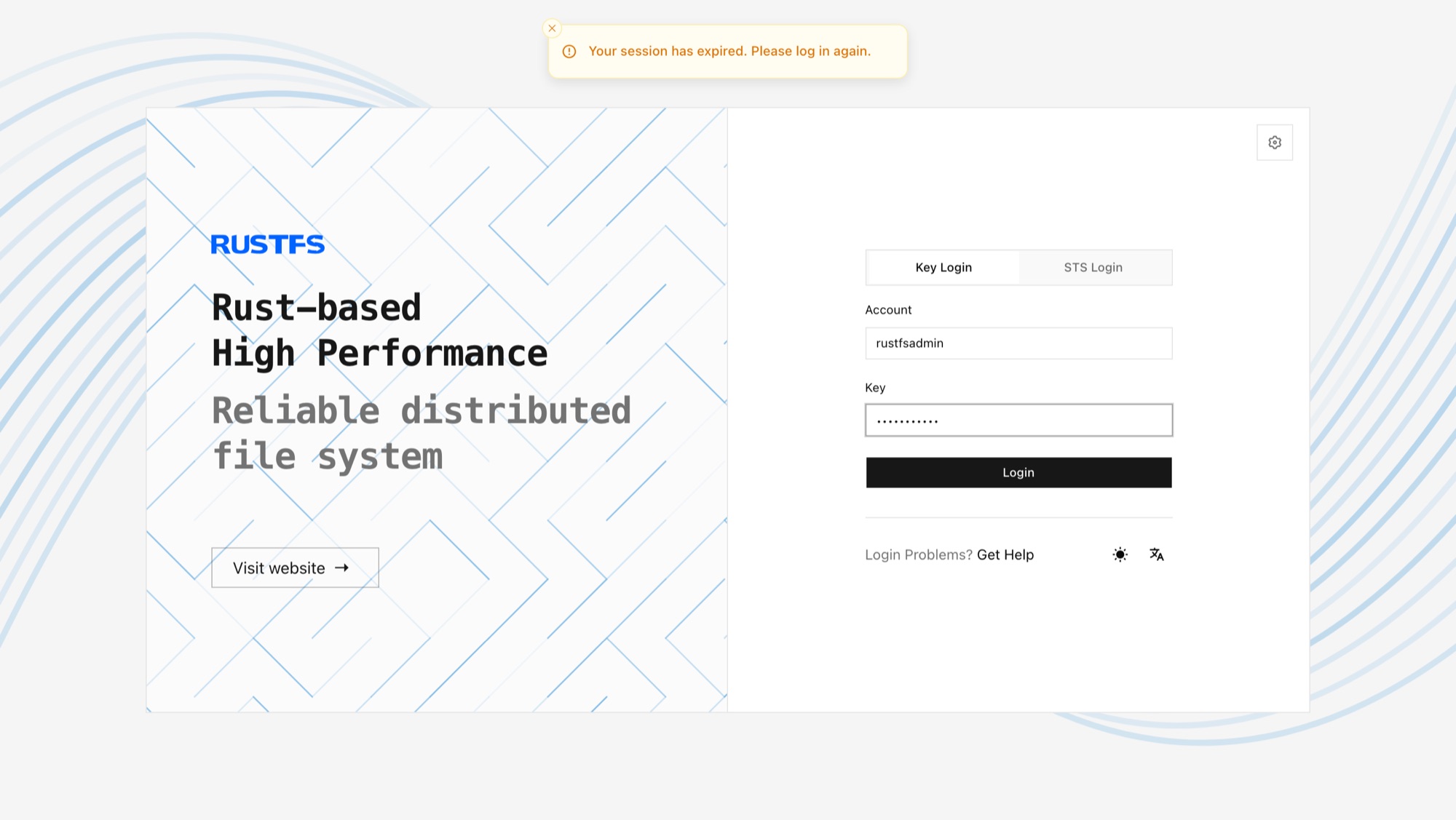
tail -f /var/log/rustfs/rustfs*.log- Access the console: enter any node's IP address (or the load balancer address) and the console port (default 9001) in a browser. You should see:
Next Steps
- Put a load balancer in front of the cluster — see the Nginx integration guide.
- Enable TLS for production traffic — see TLS configuration.
- Review Pool Expansion before scaling.